Coming soon

The daily timeline

Put history back in order

6 cards to put back in chronological order. 3 lives. 2 to 4 minutes.

Coming soonApp Store Coming soonGoogle Play

How to play

Three moves, one timeline a day

  1. One timeline a day

    Every day, 6 real events to put back in chronological order. Everyone plays the same timeline, which changes at midnight.

  2. Drag, guess, learn

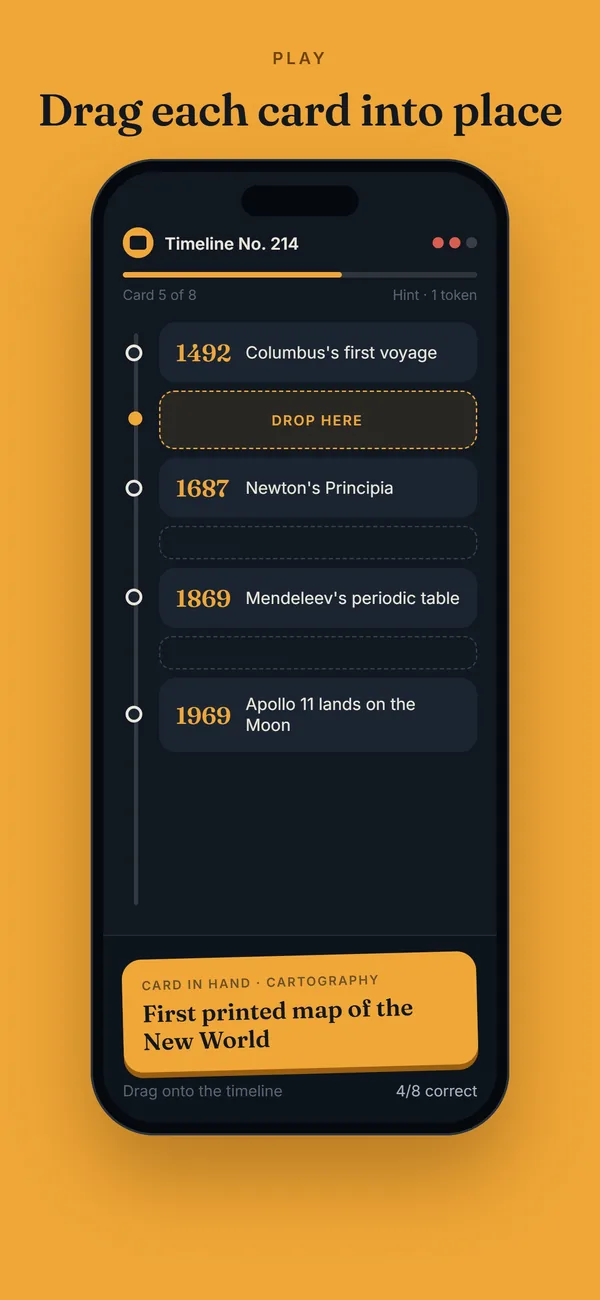
    Drag each card to the right spot on the timeline. Three lives, each mistake costs one. The exact date and a fun fact are revealed with every placement.

  3. Keep your streak

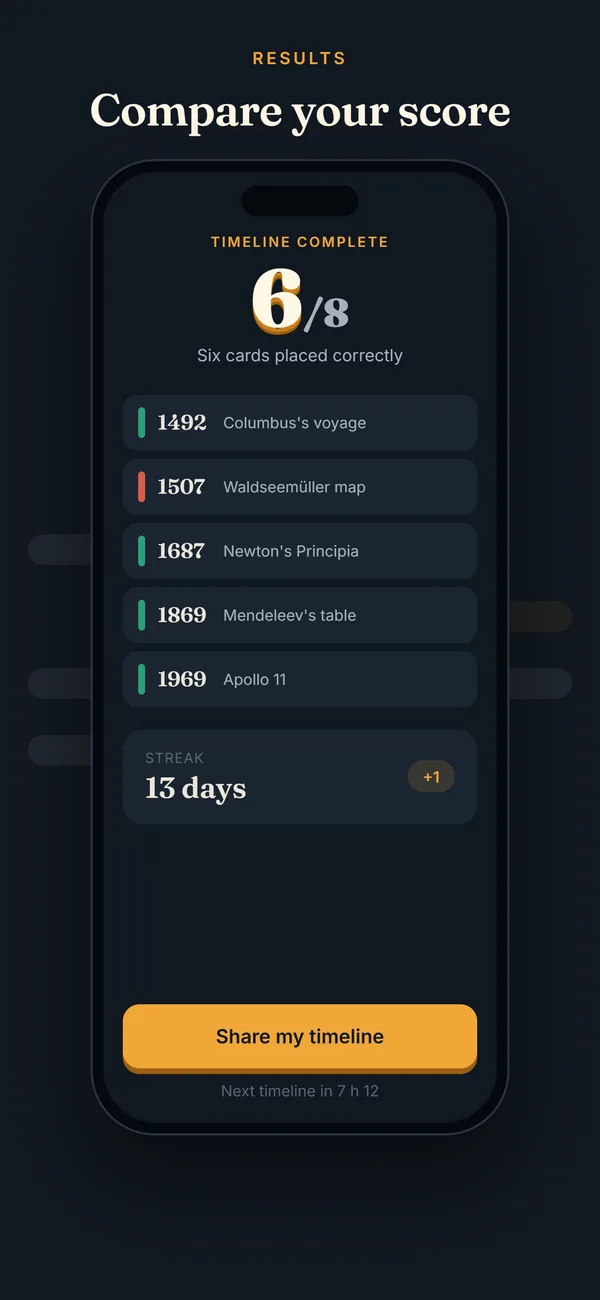
    Come back every day to keep your streak going, with a daily reminder at the time of your choice, changeable in settings.

Preview

Made to play one-handed

One timeline a day, an archive and free training.
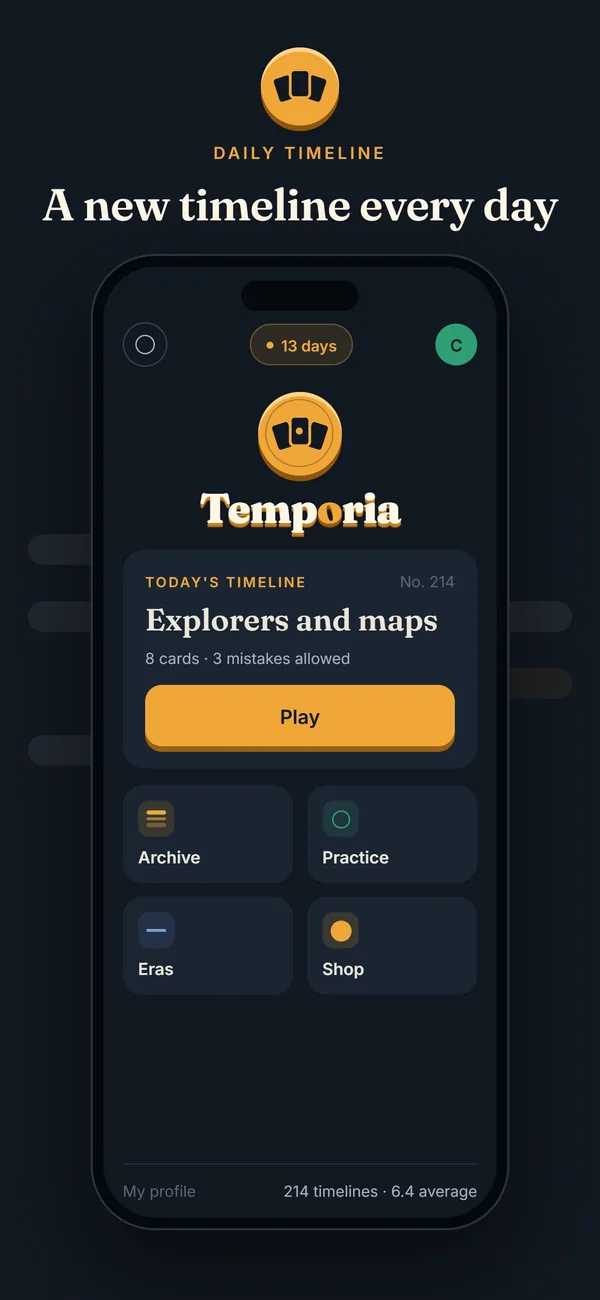
The daily timeline
The daily timeline
Drag and drop
Drag and drop
Results and streak
Results and streak
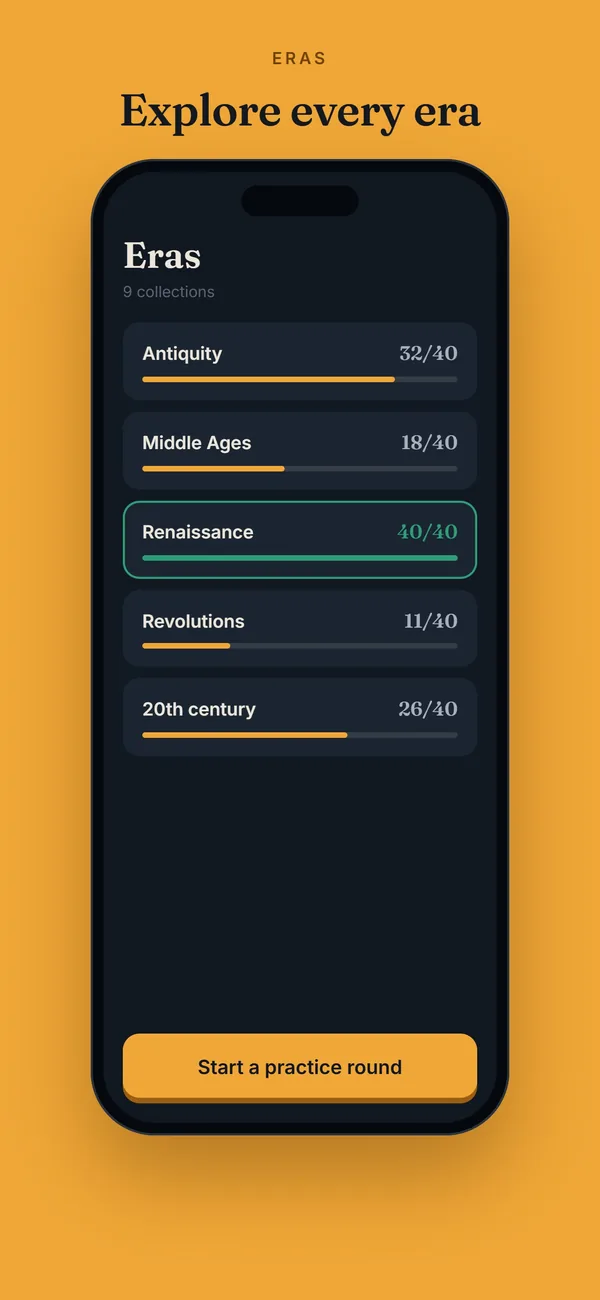
Eras
Eras

Themes

Themes for every taste

  • Cinema
  • History
  • Music
  • Science
  • Sport
  • Arts

Temporia+

No forced ads, Epoch mode, unlimited training and archive unlocks with no daily limit. Free 7-day trial, then a subscription or lifetime access.

Frequently asked questions

How do you play Temporia?
Today’s timeline has 6 cards of real events. One of them, the anchor, is already in place: drag the other 5 one by one to the right spot, before, after or between the cards already placed. You have 3 lives, and each mistake costs one. A game takes 2 to 4 minutes.
Is the challenge the same for everyone?
Yes: every day, all players of the same language get the same timeline, with a single attempt. It changes at midnight, in your phone’s local time.
Is Temporia free?
Yes, Temporia is free and supported by ads. In the free version, training is limited to 10 timelines a day, and an optional video unlocks more. The optional Temporia+ subscription (monthly, yearly or lifetime access, with a free 7-day trial) removes forced ads, makes training unlimited, lifts the daily limit on archive unlocks and adds Epoch mode, a big timeline every Saturday.
Which devices can I play on?
On iPhone, iPad and Android phones and tablets. Temporia is coming soon to the App Store and Google Play: download links will appear here. There is no web version.
Which languages are available?
French, English, Spanish and German. The app follows your phone’s language, and you can change it in settings.
Can I play without an account?
Yes. On first launch, a guest account is created automatically, with nothing to fill in. You can then link it to an email address, Google or Apple to get your progress back on another device or after reinstalling.
I forgot my password. What can I do?
On the email sign-in screen, tap Forgot password? and enter your account’s address: you will receive a 6-digit code, valid for 15 minutes, to choose a new password. Remember to check your spam folder. If you sign in with Google or Apple, you have no Temporia password: just use the same button as the first time.
How do I delete my account?
In the app, open Settings › Account › Delete my account. The account is deactivated immediately and your identifiers are permanently erased 30 days later. Deleting your account does not cancel a Temporia+ subscription: cancel it in your App Store or Google Play account settings. Without the app, you can also request deletion by email: see the account deletion page. More details in the privacy policy.
How can I contact the team?
Write to us at temporia@pixicode.dev. To report a mistake on a card, the quickest way is the “Report a card” button on the results screen, in the app.

Today’s timeline is waiting

Free on iPhone, iPad and Android.

  1. Pick your store
  2. Install Temporia
  3. Play today's timeline
Coming soonApp Store Coming soonGoogle Play

iPhone · iPad · Android